Discover tailored solutions for your business needs with our free quote service. Let our experts at HSR Hi-Tech Solutions guide you towards success. Request your complimentary quote today!
Thank you!
Your request has been submitted successfully.
Our team will reach out to you soon.
Cybersecurity for Small Businesses in Kolkata and Haldia: Essential Ways to Protect Your Business Data
Learn essential cybersecurity practices for small businesses in Kolkata and Haldia. Protect business data, websites, accounts and digital operations.
S
System Admin
· 7 min read
In this article
Cybersecurity for Small Businesses in Kolkata and Haldia: Essential Ways to Protect Your Business Data
Businesses increasingly depend on digital technology to manage customers, payments, employee records, websites and daily operations. While digital systems make business activities more convenient, they also introduce security risks that organisations must understand.
Cybersecurity is no longer a concern limited to large corporations. Small businesses, retailers, educational institutions, manufacturers and professional service providers also need to protect their digital assets.
A compromised email account, an unsecured website or a stolen customer database can create operational and financial difficulties.
For businesses in Kolkata and Haldia, developing a basic cybersecurity strategy is an important step towards safer digital operations.
What Is Cybersecurity?
Cybersecurity refers to the practices, technologies and processes used to protect computers, networks, applications and digital information from unauthorised access, attacks and damage.
A business cybersecurity strategy may include:
Securing company computers and networks.
Protecting websites and web applications.
Using strong authentication methods.
Maintaining regular data backups.
Monitoring suspicious activities.
Training employees about online threats.
Keeping software and systems updated.
The objective is to protect business information while ensuring that authorised users can access the systems they need.
Why Small Businesses in Kolkata and Haldia Need Cybersecurity
Many small businesses use digital tools without having a dedicated IT security team. Employees may share passwords, use personal devices for office work or access company accounts through unsecured networks.
These practices can increase the risk of security incidents.
Some common cybersecurity threats include:
1. Phishing attacks: Fraudulent emails or messages designed to trick employees into revealing passwords or sensitive information.
2. Malware: Malicious software that can damage systems, steal information or disrupt business operations.
3. Ransomware: Malware that can restrict access to files or systems and demand payment.
4. Password attacks: Attempts to gain access to accounts using stolen, reused or weak passwords.
5. Website vulnerabilities: Security weaknesses in websites, plugins, applications or server configurations.
6. Data breaches: Unauthorised access to confidential business or customer information.
Understanding these risks helps businesses take preventive measures before an incident occurs.
1. Use Strong Passwords and Multi-Factor Authentication
Weak or reused passwords can make business accounts vulnerable.
Every employee should use strong, unique passwords for important business systems.
Businesses should also enable multi-factor authentication wherever available. This adds another verification step during login, making unauthorised access more difficult even if a password is compromised.
Important accounts to protect include:
Business email accounts.
Website administration panels.
Hosting and domain accounts.
Cloud storage platforms.
Financial and payment dashboards.
Employee management systems.
Using a reputable password manager can also help employees manage credentials securely.
2. Protect Your Business Website
A company website is an important digital asset. It may contain customer enquiry forms, login systems, business information and integrations with external services.
Website security should be treated as an ongoing responsibility.
Recommended practices include:
Install and maintain an SSL/TLS certificate.
Keep the website framework and dependencies updated.
Use strong administrator credentials.
Remove unused plugins and extensions.
Restrict administrative access.
Maintain regular website backups.
Monitor suspicious login attempts.
Use secure hosting configurations.
Businesses using custom web applications should also review authentication, input validation, access permissions and API security.
3. Maintain Regular Data Backups
Data loss can occur because of hardware failure, accidental deletion, malware or other unexpected incidents.
A reliable backup strategy can help businesses recover important information.
Consider backing up:
Customer databases.
Financial and accounting records.
Employee information.
Website files and databases.
Important business documents.
Application configuration files.
Backups should be stored securely, with access restricted to authorised personnel. Businesses should periodically test restoration procedures rather than assuming that every backup will work.
4. Train Employees to Recognise Cyber Threats
Employees play an important role in maintaining business security.
A single accidental click on a fraudulent link or disclosure of a password can expose company systems.
Businesses should provide basic security awareness training covering:
Identifying suspicious emails.
Avoiding unknown attachments.
Verifying payment instructions.
Protecting passwords.
Reporting unusual account activity.
Using secure internet connections.
Handling customer information responsibly.
Simple security awareness practices can reduce risks associated with human error.
5. Secure Office Networks and Devices
Business computers, routers, printers and connected devices should be configured securely.
Recommended practices include:
Change default router passwords.
Use modern Wi-Fi security settings.
Update operating systems regularly.
Install reputable endpoint protection.
Restrict unnecessary software installations.
Remove access for former employees.
Lock unattended computers.
Separate guest Wi-Fi from internal business networks where appropriate.
Businesses with multiple offices or remote employees should also establish secure access procedures.
6. Control Employee Access to Business Information
Not every employee needs access to every business record.
Role-based access control allows organisations to assign permissions according to job responsibilities.
For example:
Sales employees can access customer and enquiry records.
HR employees can access relevant employee information.
Accounts employees can access financial records.
Administrators can manage authorised system settings.
Access should be reviewed regularly, especially when employees change roles or leave the organisation.
7. Create a Basic Cybersecurity Response Plan
Even organisations with preventive security measures should prepare for possible incidents.
A response plan can define what employees should do if they notice suspicious activity.
It should include:
How to report a suspected security incident.
Who is responsible for investigating it.
How affected accounts or systems can be isolated.
How backups and recovery procedures will be used.
When customers or relevant authorities need to be notified.
How the incident will be documented and reviewed.
Businesses should seek qualified technical and legal advice when handling serious security incidents or possible data breaches.
Cybersecurity Checklist for Small Businesses
Security Practice
Recommended Action
Password security
Use unique, strong passwords
Account protection
Enable multi-factor authentication
Website security
Update software and secure admin access
Data protection
Maintain tested backups
Employee awareness
Conduct regular security training
Network security
Secure routers and office Wi-Fi
Access management
Apply role-based permissions
Incident response
Maintain a documented response plan
How to Choose an IT and Cybersecurity Service Provider in Kolkata or Haldia
Businesses should evaluate technical expertise and service scope before selecting an IT partner.
Consider the following:
Experience with business IT infrastructure.
Knowledge of website and application security.
Understanding of cloud and hosting environments.
Ability to review access controls and configurations.
Clear documentation of recommendations.
Availability of ongoing technical support.
Ask providers to explain what their security assessment includes. A general IT support service should not automatically be treated as a full cybersecurity audit or penetration test.
How HSR Hi-Tech Solutions Can Support Your Digital Infrastructure
HSR Hi-Tech Solutions provides IT and software development services for businesses looking to build and maintain reliable digital systems.
Our service areas include:
Website and web application development.
Custom software development.
ERP and CRM solutions.
Cloud computing services.
AI and business automation.
Technical maintenance and IT solutions.
We encourage businesses to consider security during the planning, development and maintenance of their digital platforms.
Whether you are building a new business website or planning a customised software application, appropriate security practices should be part of the project from the beginning.
1. Why is cybersecurity important for small businesses?
Cybersecurity helps protect business information, customer records, employee accounts, websites and digital operations from unauthorised access and attacks.
2. Can small businesses become targets of cyberattacks?
Yes. Small businesses can face phishing, malware, password attacks and website vulnerabilities, regardless of their size.
3. How can I protect my business website?
Use HTTPS, strong administrator passwords, multi-factor authentication, updated software, secure hosting and regular backups.
4. What is multi-factor authentication?
Multi-factor authentication requires users to verify their identity through more than one method, such as a password and a verification code.
5. How often should business data be backed up?
Backup frequency depends on how frequently information changes and how much data a business can afford to lose. Important business systems may require daily or more frequent backups.
6. Does cybersecurity require a large investment?
Not necessarily. Businesses can begin with practical measures such as strong passwords, multi-factor authentication, software updates, access restrictions and backups.
7. Does HSR Hi-Tech Solutions provide IT services in Kolkata and Haldia?
HSR Hi-Tech Solutions offers website development, custom software, cloud computing, ERP, CRM and other IT services for businesses in Kolkata, Haldia and other locations.
Conclusion
Cybersecurity is an essential part of running a modern business. Protecting websites, employee accounts, customer information and business applications requires continuous attention rather than a one-time setup.
For small businesses in Kolkata and Haldia, starting with strong authentication, regular backups, secure networks and employee awareness can make a meaningful difference.
If your organisation is planning a new website, business application or digital transformation project, HSR Hi-Tech Solutions can help you explore suitable technology solutions with security considerations built into the development process.
Contact HSR Hi-Tech Solutions to discuss your IT and software development requirements.
Part of the team at HSR Hi-Tech Solutions, an MSME-registered IT company in Kolkata and Haldia building websites, apps, ERP and AI solutions, and running the marketing campaigns we write about.
Connect business applications with API integration services in Kolkata and Haldia. Improve data exchange, automate workflows and streamline operations.
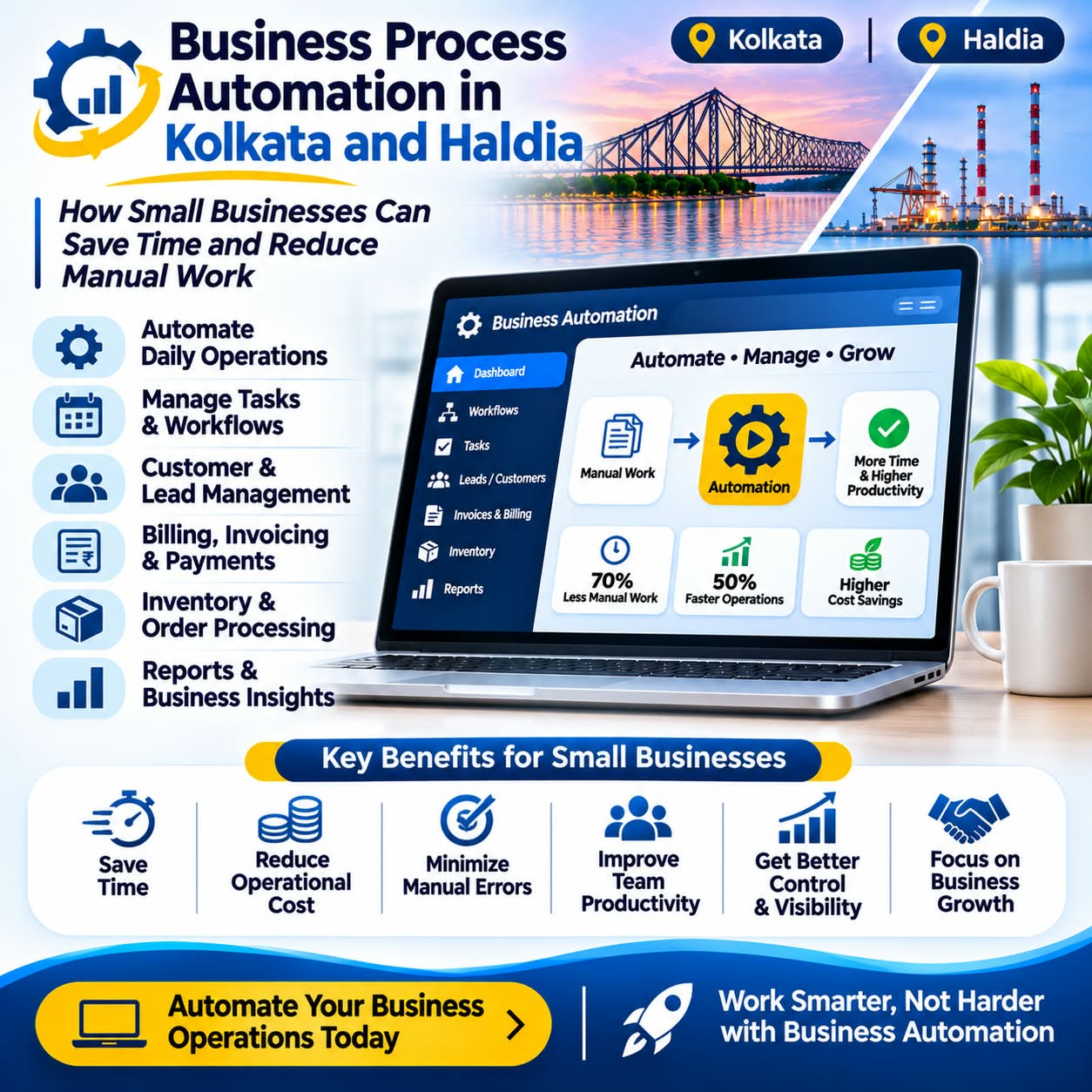
Discover how business process automation helps companies in Kolkata and Haldia reduce manual work, improve productivity and streamline daily operations.
Discover how custom software development helps manufacturing businesses in Kolkata and Haldia streamline operations, manage inventory and improve productivity.